Store
Keep videos, photos, music and documents on the storage device you choose.


Your private file and media hub
Share the part of a large video you need without uploading the entire file first. The data stays on your drive, with no additional copy created in an external cloud.
No reservation and no commitment
Leave your email and choose a use case. We will let you know when the product becomes available.
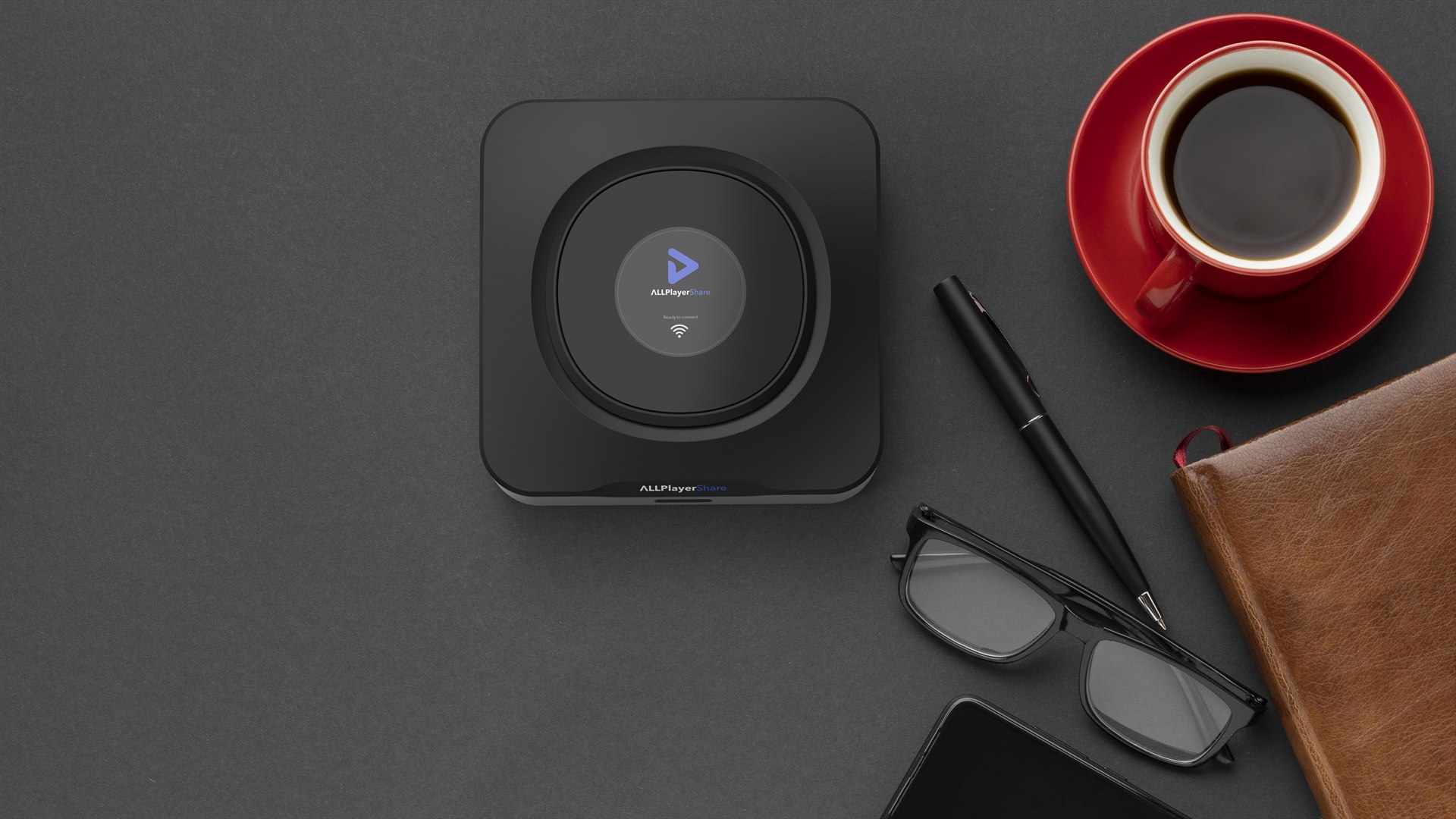
Keep videos, photos, music and documents on the storage device you choose.
Watch media on your TV via HDMI or directly in a browser.
Create links to files and folders, then set their expiry time and download limits.
Use your phone or computer — on your local network and over the internet.
One device. Many possibilities.
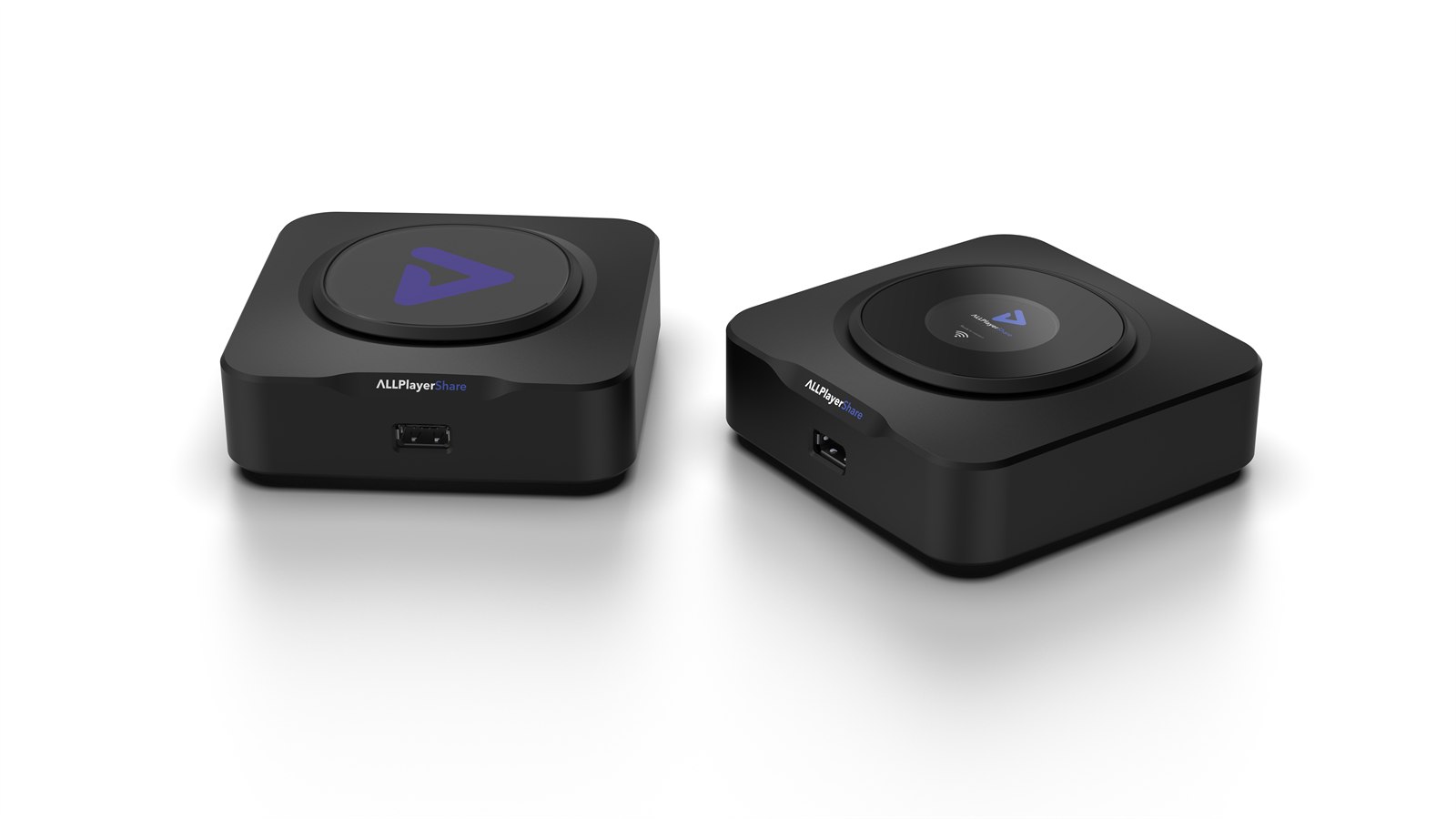
ALLPlayerShare combines private data storage, a media centre and convenient file sharing. You choose the storage and the people who are granted access.
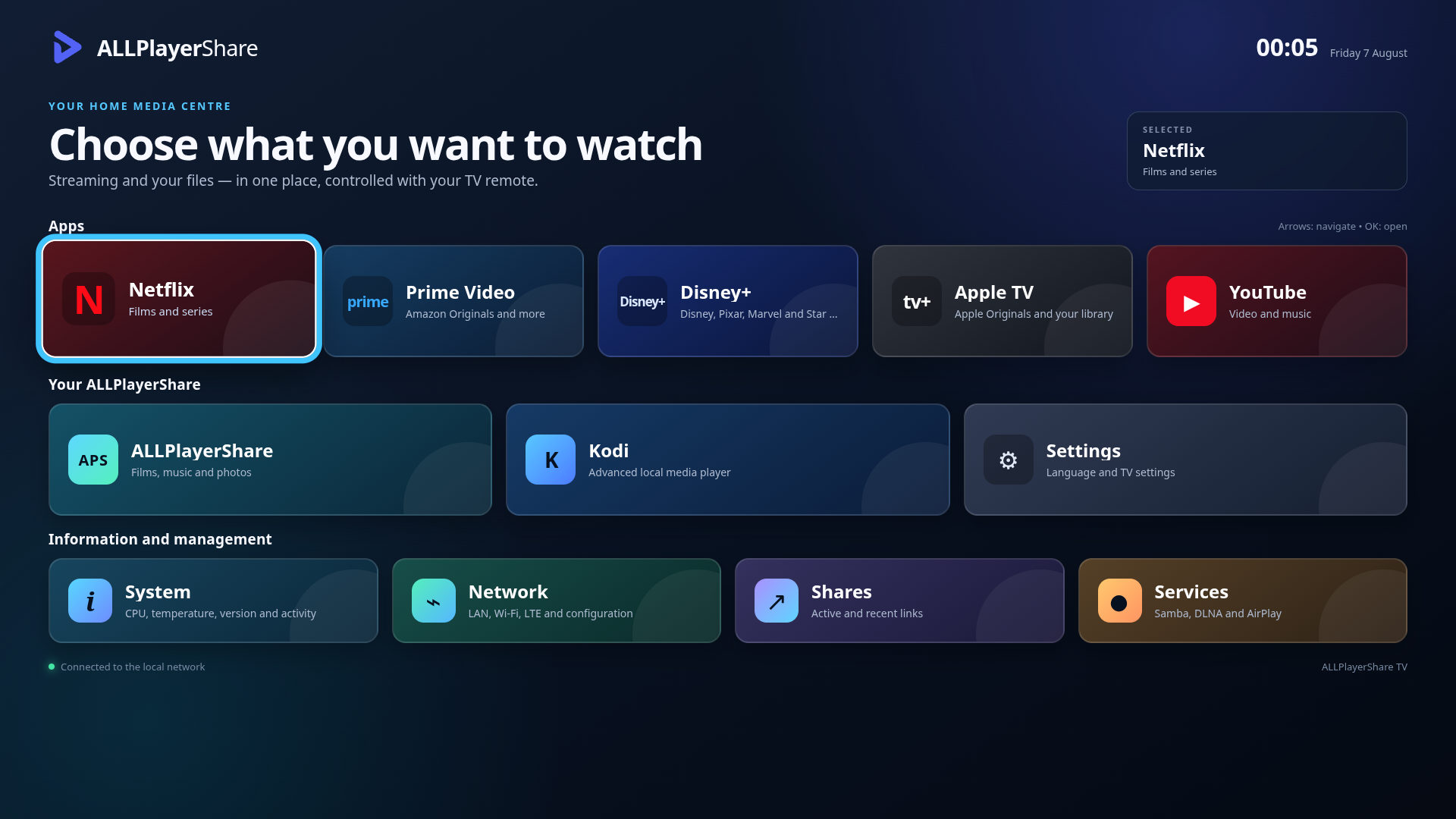
ALLPlayerShare on your TV
Connect ALLPlayerShare to your TV via HDMI and use a convenient interface controlled with your remote. Open streaming services, launch Kodi and play videos, music and photos stored on your own drive.
This is not an ordinary server
Two key ALLPlayerShare technologies, NoWaitShare and SecureDirect, shorten the path between your file and its recipient. You do not wait for all the data to be uploaded to external storage, and your files remain under your control.
01 NoWaitShare™
You have a 20 GB video recorded with a GoPro and want to show someone just one minute starting at minute 25? With ALLPlayerShare, you share the video in just a few clicks. The recipient can jump to 25:00 almost immediately, watch the selected segment or download only the minute they need.
No uploading the entire 20 GB to the cloud. No downloading the entire 20 GB again.
02 SecureDirect™
No upload, no cloudData is not stored on drives in an external cloud.
Your data stays yours
We value your privacy — you decide who can access your files. Files are stored on a drive that belongs to you. When you share them, SecureDirect establishes a P2P connection between your ALLPlayerShare and the link recipient. The data is not copied to an external server first and does not remain on someone else’s drives somewhere on the internet.
The most controlled receiving method: receive files in the dedicated ALLPlayerShare app on a smartphone or computer.
NoWaitShare in action
A familiar problem that happens to almost everyone — practically every day: you are recording a beautiful waterfall when you accidentally capture a UFO. The best shot lasts only a few seconds, but your camera is already holding 20 GB of footage.
Without ALLPlayerShare, you would have to upload the whole file. With NoWaitShare, you share a link and the recipient can jump almost instantly to the most exciting moment — without uploading 20 GB to the cloud.
The waterfall footage stays on your drive. The UFO moves on.
ALLPlayerShare in action
The video captures how ALLPlayerShare users feel when they experience immediate data access, private storage and controlled file sharing.
You do not wait for an entire multi-gigabyte file to be uploaded to an external cloud.
The recipient does not have to download the entire video to watch a selected segment.
You share a link and the recipient can start watching almost immediately.
No file-size limits imposed by the cloud — only your storage capacity and connection speed matter.
Expand when you need to
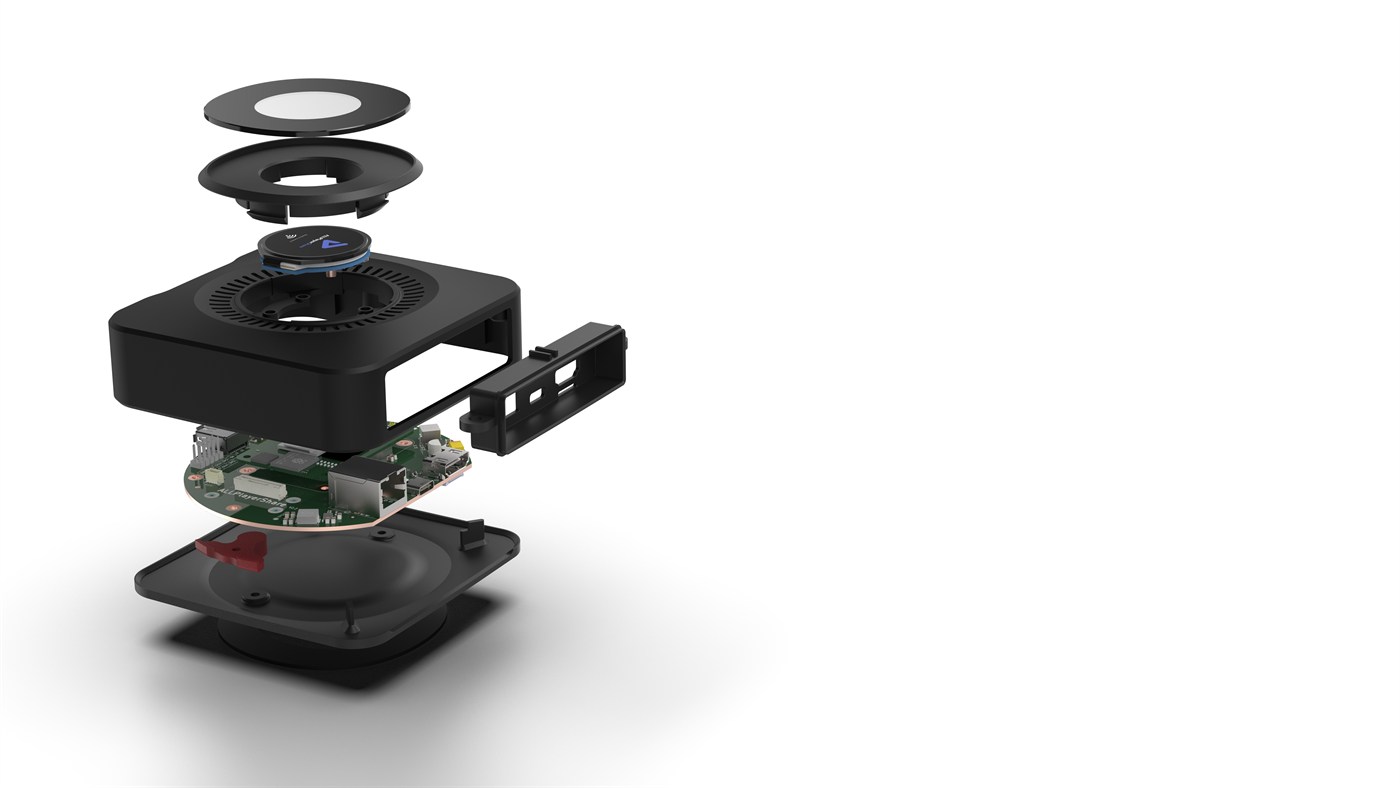
Choose the capacity that meets your needs and add fast internal storage.
Add a compatible M.2 modem and nano-SIM for an independent cellular connection.
The SSD, LTE/5G modem, nano-SIM and mobile service are sold separately.
View accessoriesSimple setup
Use a compatible USB-C Power Delivery adapter and connect ALLPlayerShare to your network.
Install an M.2 NVMe SSD or connect an external USB storage device.
Manage files in your browser, play media and create controlled sharing links.
In the box
The USB-C PD adapter, HDMI cable, M.2 SSD and LTE/5G modem and nano-SIM are not included.
Who ALLPlayerShare is for
Media from cameras including GoPro, DJI Osmo and Insta360, without implying any partnership with those brands.
A convenient way to share large media with clients, collaborators and post-production teams.
Keep data on your own drive without creating an extra copy in a conventional cloud.
Share large documents, recordings and other materials with selected recipients.
For coaches, sports clubs, and property, inspection and construction documentation.
About ALLPlayerShare
We combine experience in multimedia software, data transmission and edge devices. We are creating a solution that simplifies access to files without giving up control over where they are stored.
Frequently asked questions
It is a private file and media hub that stores data on your chosen drive, shares it over a network and plays it on a TV via HDMI.
No. A compatible USB-C PD power adapter is required. The M.2 NVMe SSD, HDMI cable and other accessories are sold separately.
Yes. You manage the control panel in a browser on a phone, tablet or computer.
A public IP address is not needed on a local network. For remote access, if neither the sender nor the recipient has one, the transfer may be relayed. This may involve transfer fees and lower speeds in some regions.
No. The file remains on the storage connected to ALLPlayerShare. SecureDirect transfers data P2P to the link recipient without storing an additional copy on external cloud drives.
No. NoWaitShare lets the recipient jump to a selected point and watch or download the required segment without uploading and downloading the whole file first.
Yes. Smooth playback depends on the sender’s upload speed and the recipient’s download speed. If a 4K video has a bitrate of 35 Mb/s, both connections must provide at least 35 Mb/s of effective throughput, ideally with some headroom.
Videos, photos, music, documents and other files — the only storage limit is the capacity of your chosen drive.
Contact
We will answer questions about the product, accessory compatibility, partnerships and planned availability.
ALLPlayerShare P.S.A. ul. Moniuszki 11 35-015 Rzeszów, Polska contact@allplayershare.com